


I help organizations stabilize, modernize and maintain demanding SharePoint environments, both on premises and in Microsoft 365.
Many organizations already use SharePoint, but over time their environments become difficult to structure, secure, automate and maintain.
I help enterprise IT teams diagnose architectural issues, improve stability, prepare migrations and take control of both on-premises farms and modern Microsoft 365 platforms.
If you are ready to simplify, stabilize or modernize your SharePoint environment, let’s talk.
Isaac Benchetrit
SharePoint consultant and FluentSP founder
13+ years in SharePoint

Organizations I have supported throughout my SharePoint career
SharePoint expertise for complex environments across healthcare, energy, public sector and IT.












Clear Services for Complex SharePoint Environments
Assessment, stabilization, migration and tailored SharePoint solutions, with upfront starting prices and my direct support as a senior SharePoint consultant.
Health Check and Usage Review
I assess the health, structure, permissions and governance of your SharePoint environment and identify risks before they become operational problems.
Recommended before migration or major optimization initiatives.
On-Premises Support and Architecture
I support critical SharePoint environments and design on-premises architectures for stability, performance and scalability. This includes troubleshooting, farm design, capacity planning and long-term structural improvements for enterprise systems.
SharePoint On-Premises to Microsoft 365
I clean and restructure before migration to avoid moving legacy issues into Microsoft 365. Content, permissions and architecture are reviewed and optimized before transition.
Workflow redesign is handled as a separate scope when required.
Modern Intranet on SharePoint Online
Modern SharePoint Online intranets and digital workplaces designed for real adoption, from simple company hubs to structured multi-department platforms with governance.
Automation and Media Search solutions are available as separate scoped projects.
Recommendations
Michael Ben-Zakn
Senior Manager, EHS Process Safety
Teva Pharmaceuticals
Throughout the engagement, he demonstrated strong technical expertise, quickly understood complex needs and delivered practical and effective solutions.
His work was professional, thorough and dependable. I recommend Isaac as an experienced and reliable SharePoint consultant.
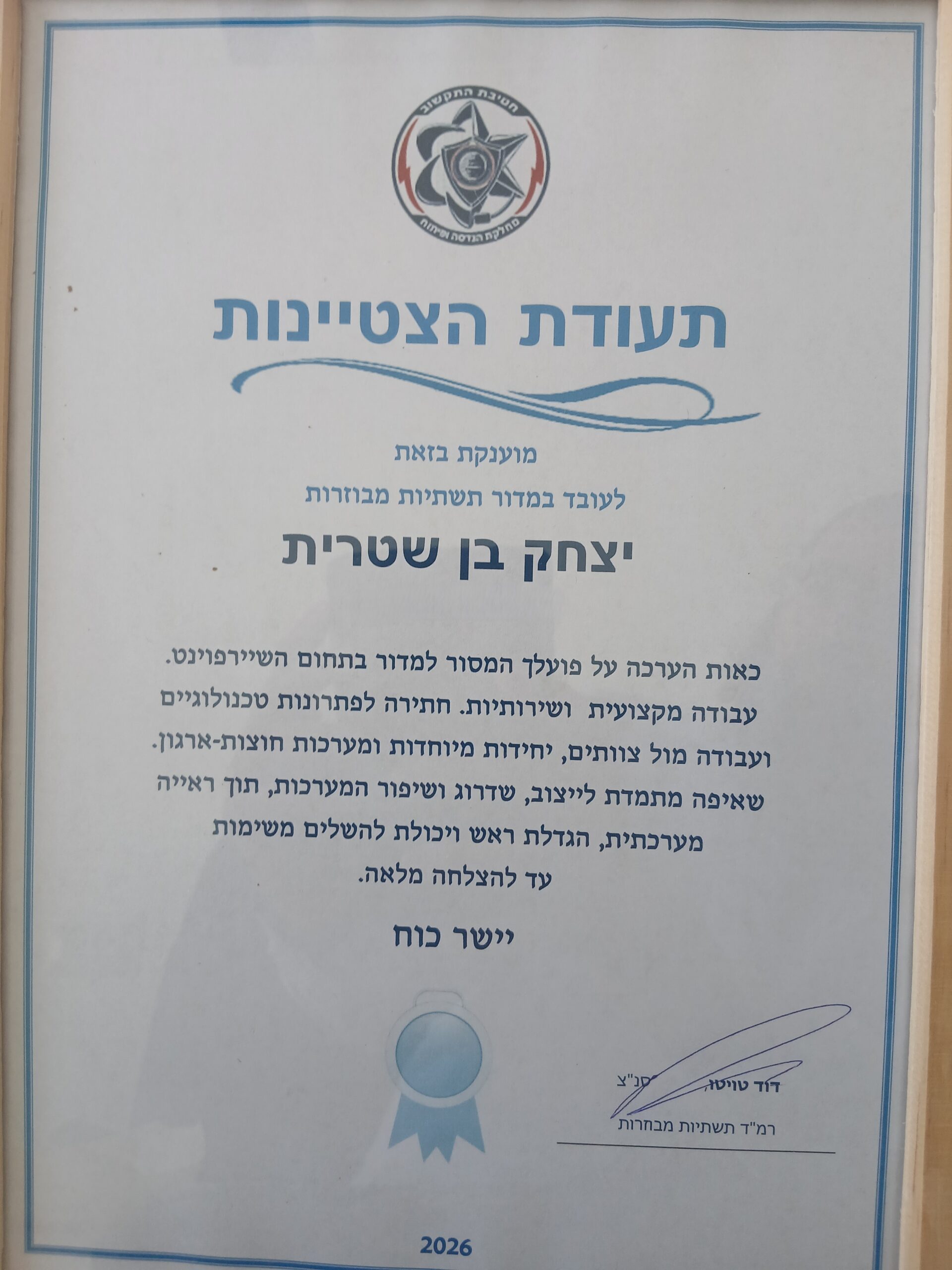
Certificate of Excellence
Israel Police · 2026
Is hereby awarded
to the employee of the Distributed Infrastructure Section
Isaac Benchetrit
As a token of appreciation for your dedicated work for the Section in the field of SharePoint.
Professional and service-oriented work, striving for technological solutions, and working with teams, special units and cross-organizational systems.
A constant commitment to stabilizing, upgrading and improving the systems, while demonstrating a broad systems perspective, taking initiative and the ability to carry tasks through to full success.
Well done!
Chief Superintendent David Twito
Head of the Distributed Infrastructure Section
Jerusalem, 9th June 2025
To Whom It May Concern,
I am pleased to recommend Isaac Benchetrit. He worked as a SharePoint Consultant in our company Société Optix Ltd (Israel) / Ophtalmic Compagnie (France) intranet project from 2015 to 2021. Throughout his engagement with us, he demonstrated technical expertise, professionalism, and understanding of collaboration and document management systems.
Portal Architecture & Intranet Design
One of Isaac’s key achievements was the design and implementation of the company portal architecture. This included the integration of departmental branding and a dynamic organizational chart that powered customized navigation across the intranet, greatly improving usability and user engagement.
Workflow Automation & ISO Certification
He also developed and deployed a quality control document approval workflow that played a crucial role in the successful achievement of ISO certification — an important milestone for our organization.
Furthermore, Isaac built a comprehensive supply request system featuring workflow automation and security trimming by department, ensuring that data access remained secure and appropriate. This system was also integrated with Power BI, allowing for real-time reporting and data-driven decision-making.
Migration
In addition to developing new solutions, he played an important role in our SharePoint migration project, successfully transitioning our environment from on-premises infrastructure to SharePoint Online.
Training & Support
Finally, he delivered ongoing training, user support, and troubleshooting, ensuring that employees at all levels were confident and capable in using the new tools and systems.
Sincerely
Gad Choukroun
CEO, Société Optix Ltd
Daniel Youlus Susskind
Front-End & Back-End Architect · ML-Powered Text & Media
Search
SharePoint Team Leader
Together, we have extended the SharePoint infrastructure to support media retrieval, advanced search capabilities, intuitive navigation, and other enhanced functionalities. He has a proven track record of executing successful farm upgrades, with exceptional attention to detail that consistently results in high-quality, stable, and reliable solutions.
Isaac also excels in troubleshooting complex issues quickly and effectively. His top-tier PowerShell skills have enabled him to automate key tasks and streamline operations across our SharePoint infrastructure. We truly value his contributions and are fortunate to have him on our team.
Case Studies
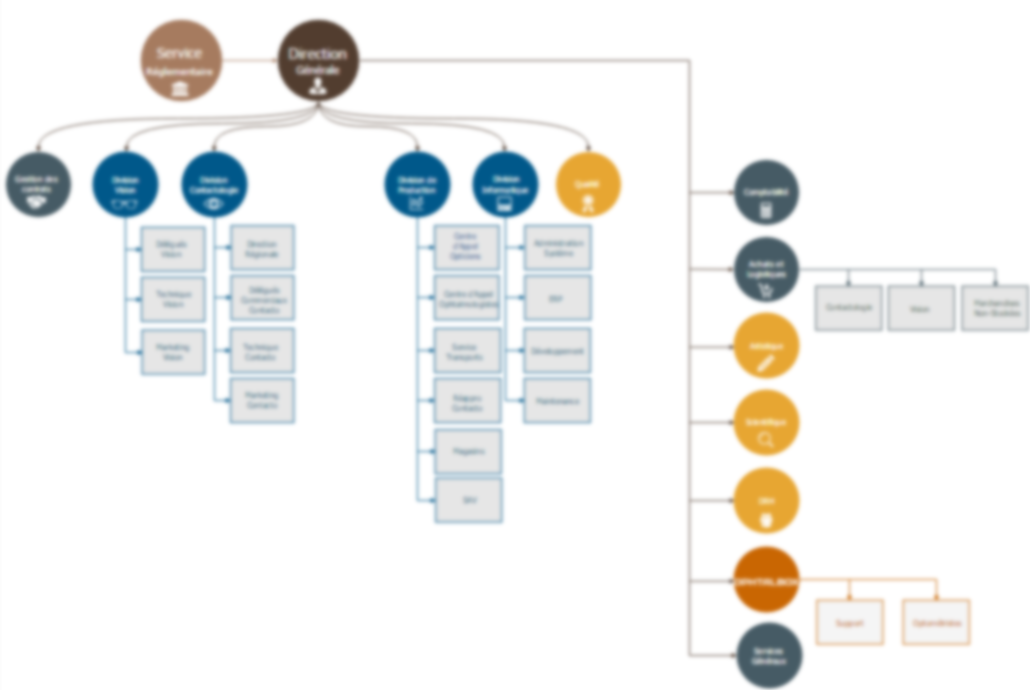
Tailored SharePoint Portal for a Pharmaceutical Company
Client: OPHTALMIC France
Industry: Pharmaceuticals
SharePoint versions: SharePoint Online and SharePoint 2013 Services: Architecture, Migration to SharePoint online, content management, reporting, development
Summary
Designed and deployed a company-wide SharePoint platform for a pharmaceutical firm specializing in ophthalmology, supporting ISO certification through process automation, compliance workflows, and centralized collaboration. The solution included departmental sites, custom forms, automations, workflow migration and integrated Power BI dashboard.
Posts
-
SPFx development environment setup based on my experience
Setting up a SPFx development environment looks simple on paper, but in reality, it is one of the most frequent sources of delays and configuration issues in SharePoint projects. This guide is based on my own experience setting up SPFx development environments. I initially struggled with the installation process, which is why I decided to…
-
How to manage SharePoint permissions with broken inheritance
Managing SharePoint permissions can quickly become complicated, especially when your site contains multiple subsites and lists with broken inheritance. A client recently asked me how to add a super user who could have access everywhere, even in lists that do not inherit permissions from the parent site. Understanding Broken Inheritance in SharePoint Permissions When a…
-
Nintex Workflow page not loading on SharePoint on-premises
IIf you are a SharePoint admin and suddenly notice that your Nintex Workflow page is not loading, you are not alone. You may also see NeedUpgrade=false appearing in the URL, but that parameter is not the cause of the problem. The real issue lies elsewhere: a required list can no longer be accessed and Nintex…
Explore more articles here.