


Case studies
Explore our case studies to see real-world examples of how FluentSP solves complex SharePoint challenge.
Each case study demonstrates practical solutions in identity management, search troubleshooting, workflow automation and content management.
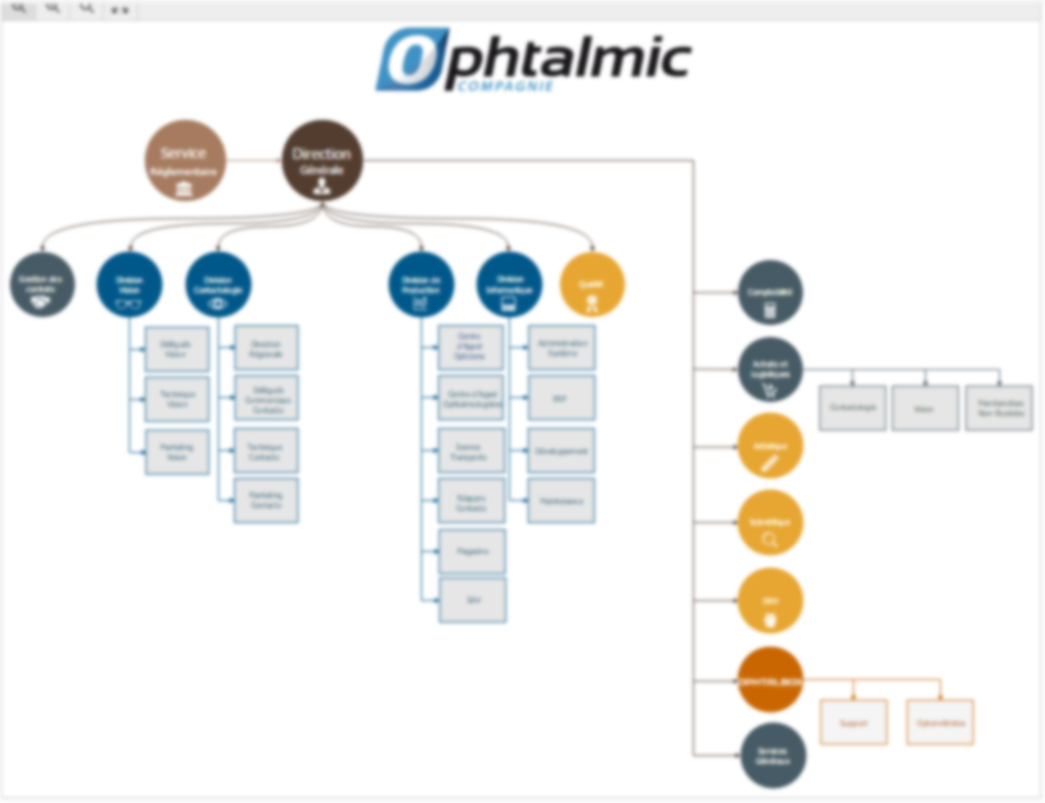
Tailored SharePoint portal for Ophtalmic a French pharmaceutical company
Client: OPHTALMIC France
Industry: Pharmaceuticals
Summary
Ophtalmic, a French pharmaceutical company specialized in ophthalmology, required a centralized digital workspace to streamline interdepartmental collaboration, ensure regulatory compliance, and automate business-critical processes. I led the full design and deployment of a SharePoint platform, initially built on-premises and later migrated to SharePoint Online using ShareGate.
The project was initiated as part of Ophtalmic’s effort to obtain ISO certification. This required formalizing processes, centralizing documentation, and enforcing traceability across all departments. The SharePoint portal played a key role in meeting these compliance objectives and Ophtalmic successfully achieved the ISO certification following the implementation.
SharePoint user profile search troubleshooting
Client: IPF
Industry: Public Safety
Summary
In a critical system, users were not appearing as expected on a custom search-driven page. After validating AD permissions, User Profile synchronization, content source indexing and managed property mapping, the REST Search endpoint returned correct results. The remaining issue was traced to missing profile data required by the front-end logic. This case demonstrates the importance of end-to-end validation and objective proof when diagnosing complex SharePoint pipelines.
Optimizing critical safety system
Client: World leading international pharmaceutical enterprise
Industry: Pharmaceuticals
Summary
We helped a pharmaceutical company optimize their critical safety workflows using SharePoint and InfoPath forms.
By redesigning forms, implementing validation rules and creating filtered views,
we reduced the risk of errors and ensured compliance with safety regulations.
The solution allowed teams to manage safety data efficiently without exceeding SharePoint list thresholds,
demonstrating how thoughtful InfoPath design can streamline processes and improve operational safety in highly regulated industries.

Large media upload management in SharePoint
Client: IPF
Industry: Public Safety
Summary
Managing large video libraries directly within SharePoint can lead to significant database growth, which negatively impacts performance, migration, and backup operations. To solve this, we designed a hybrid solution that stores video files on an IIS server while SharePoint manages only lightweight links and metadata. Additionally, we developed a custom SharePoint solution (WSP) to automate and streamline the upload and management of large video files, ensuring efficiency, scalability, and a seamless user experience.

Managing a multi-farm SharePoint architecture for a public safety organization
Client: Aman Group
Industry: IT Services & Defense
Location: Israel
Summary
To support a national public safety organization operating across multiple divisions, I managed a complex multi-farm SharePoint On-Premises environment. The project required advanced development work, deep system monitoring, and constant troubleshooting to ensure performance, reliability, and compliance. My role involved leading development, administration, and automation across farms used by thousands of users in high-pressure, mission-critical environments.

Content Management Portal for Dockwise Netherlands
Client: Dockwise
Industry: Heavy Marine Transport
Summary
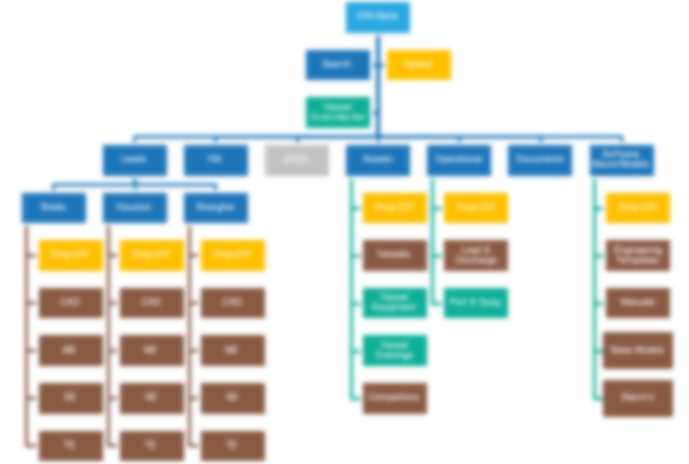
Dockwise, a global leader in maritime transport and offshore engineering, needed a structured, user-friendly platform to manage its engineering documentation across multiple international offices.
To meet this need, we designed and implemented a custom SharePoint Online portal tailored for the engineering department.
SP Browser, an efficient SharePoint navigation tool with documents quick view and edit
Product: SP Browser (Internal tool)
Type: Utility – SharePoint site navigation with document preview
Scope: Used across various client environments